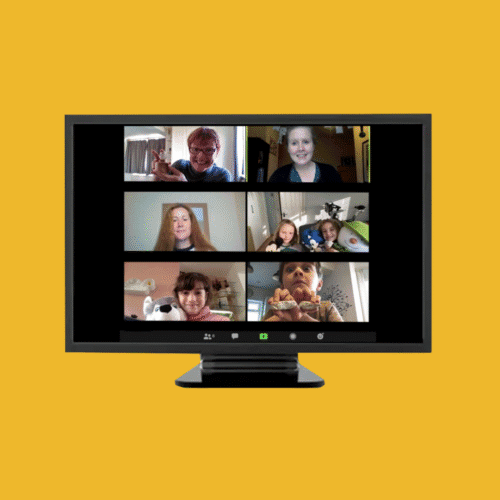
How to Run an Online Session
Online meetings are a fantastic and flexible way to run your YAC branch, engage with members between in-person sessions, or connect with young people who may not be able to attend activities on-site.
Whether you’re planning a fully virtual session, a ‘hybrid’ meeting, or just want to host a one-off digital event, this guidance is here to help you get started.
We have developed a comprehensive toolkit that provides support, step-by-step instructions, and advice for our branches. The resources below are based on consultation with YAC volunteers and are designed to help you build confidence in using digital platforms safely and effectively.
Our Toolkit for Online Sessions
This toolkit provides everything you need to plan and deliver engaging and safe online activities for your members.
The guidance outlines:
- What online meeting platforms are available to YAC volunteers (focusing on Zoom and BigBlueButton).
- The pros and cons of using different platforms.
- Step-by-step guidance on how to use each platform effectively, from basic setup to more advanced interactive features.
- Specific guidance for parents and carers to help them support their children in joining the sessions.
- Ideas for using additional interactive online apps (like Mentimeter, Padlet, etc.) to make your sessions even more engaging.
Downloadable Guidance
Please download the guides relevant to your branch and members. We recommend that all leaders review the main toolkit first.
- BigBlueButton Parent/Carer Guidance (B&W)
- Toolkit
- Zoom Parent/Carer Guidance
- Zoom Parent/Carer Guidance (B&W)
- BigBlueButton Parent/Carer Guidance
Support Videos

About These Resources
This toolkit and the accompanying support resources were made possible thanks to support from the National Lottery Heritage Fund through their Heritage Emergency Fund. This funding allowed us to develop and create these guides based on consultation with our YAC volunteers.